OpenAI DevDay 2026 live blog
OpenAI DevDay 2026 live blog
29th September 2026
I’m at OpenAI DevDay today, in Fort Mason, San Francisco. Same as last year I’ll be live blogging the keynote and some other notes during the day.
OpenAI gave me a free ticket and a seat in the “creator” area for the keynote.
09:27 I'm in the room for the keynote, which starts in half an hour.
This year I vibe-coded a system for more easily adding photos to my live blog. I intended to do that using Codex Cloud (I built it on my phone on the way to the venue) but ran into problems with that and switched to Claude Code for web instead.
10:01 Sam Altman is on stage, welcoming us to DevDay. He promises "our best DevDay yet".
10:02 Showing features they've shipped that people asked for. Codex on Linux and Codex on your phone both got some applause.
10:03 Today, a product to feel like a "whole new way of working with AI". My guess is that it's a personal agent similar to Muse...
10:03 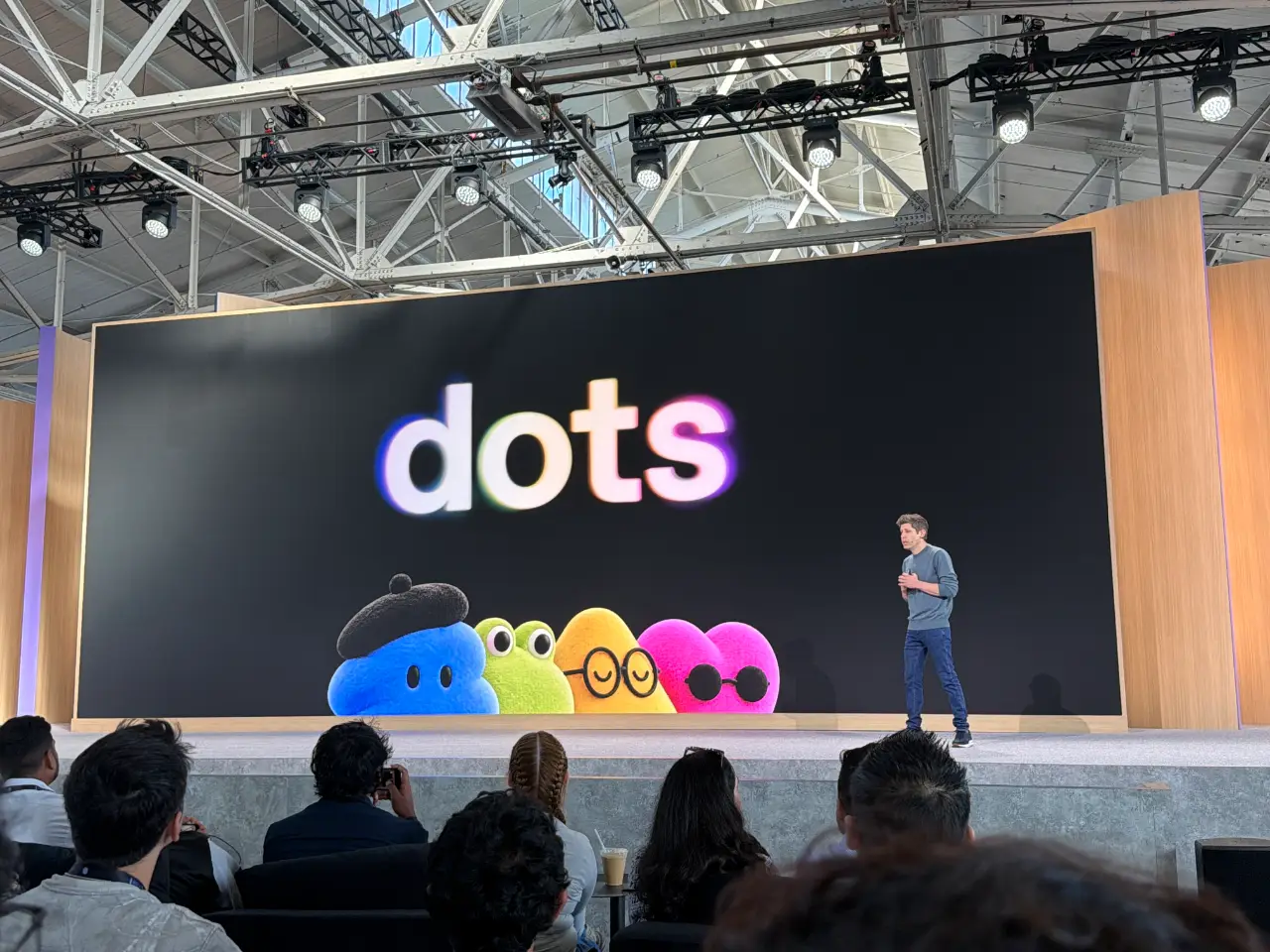
10:03 It's called "Dots".
10:05 It does look very Muse-like. You get to pick its name, then it's represented by a cute blob-like avatar. (My Muse avatar is a pelican.)
10:06 This demo video includes a whole lot of voice interactions, presumably using GPT-Live or a new generation of that technology.
10:06 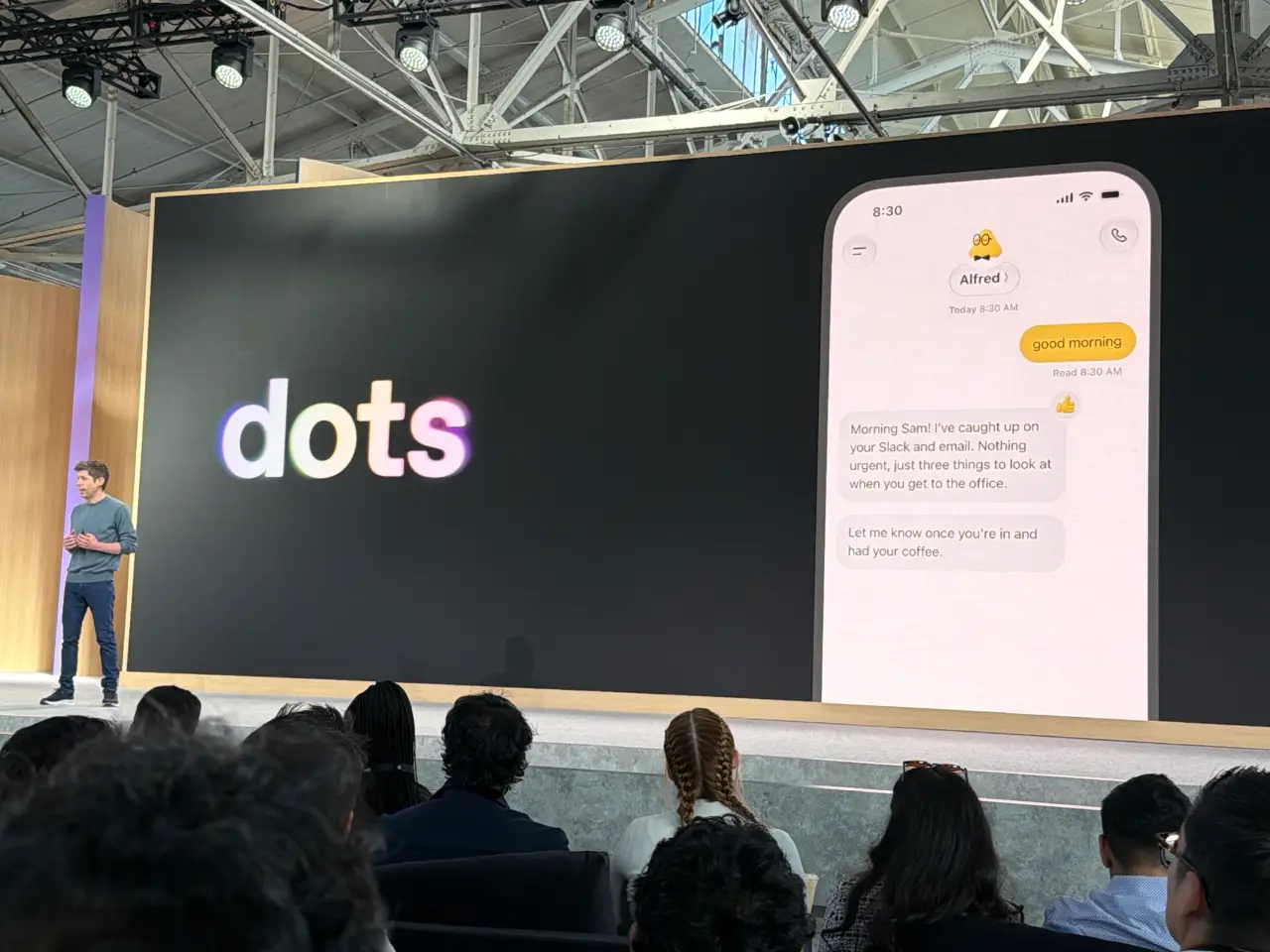
10:07 Dots are "powered by Astra". That would be an expensive default model!
10:08 A very ambitious use-case, migrating an API. I'm surprised that they went for such a code-heavy price sample so early on, I guess this is a developer audience.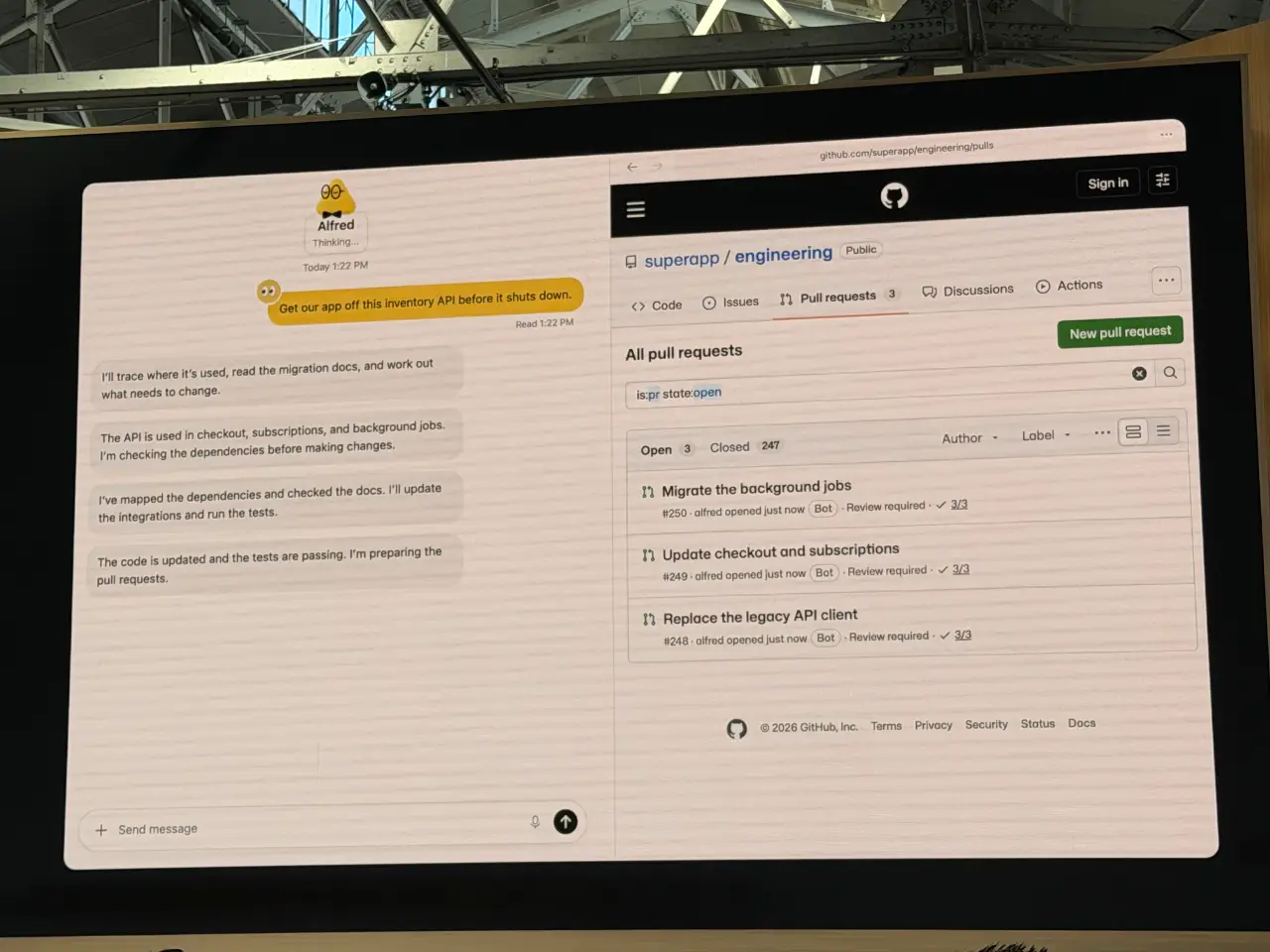
10:09 Sam called Astra "our most aligned model", to allow you to trust your Dot with "as much responsibility as you are comfortable with".
10:09 "You also need a place four your team to collaborate with their Dots". So they are introducing ChatGPT Space.
10:10
These Spaces look like shared artifacts, maybe Google Docs meets the artifacts pattern.
Sam Introduces Holly Li.
10:11 Holly is talking through a scenario building fictional music app. Holly has a Dot called "Dottie", which has access to ChatGPT, Slack, Teams, and more.
10:12 This UI really does look like Meta's Muse agent, currently still at number one on the iOS App Store free list.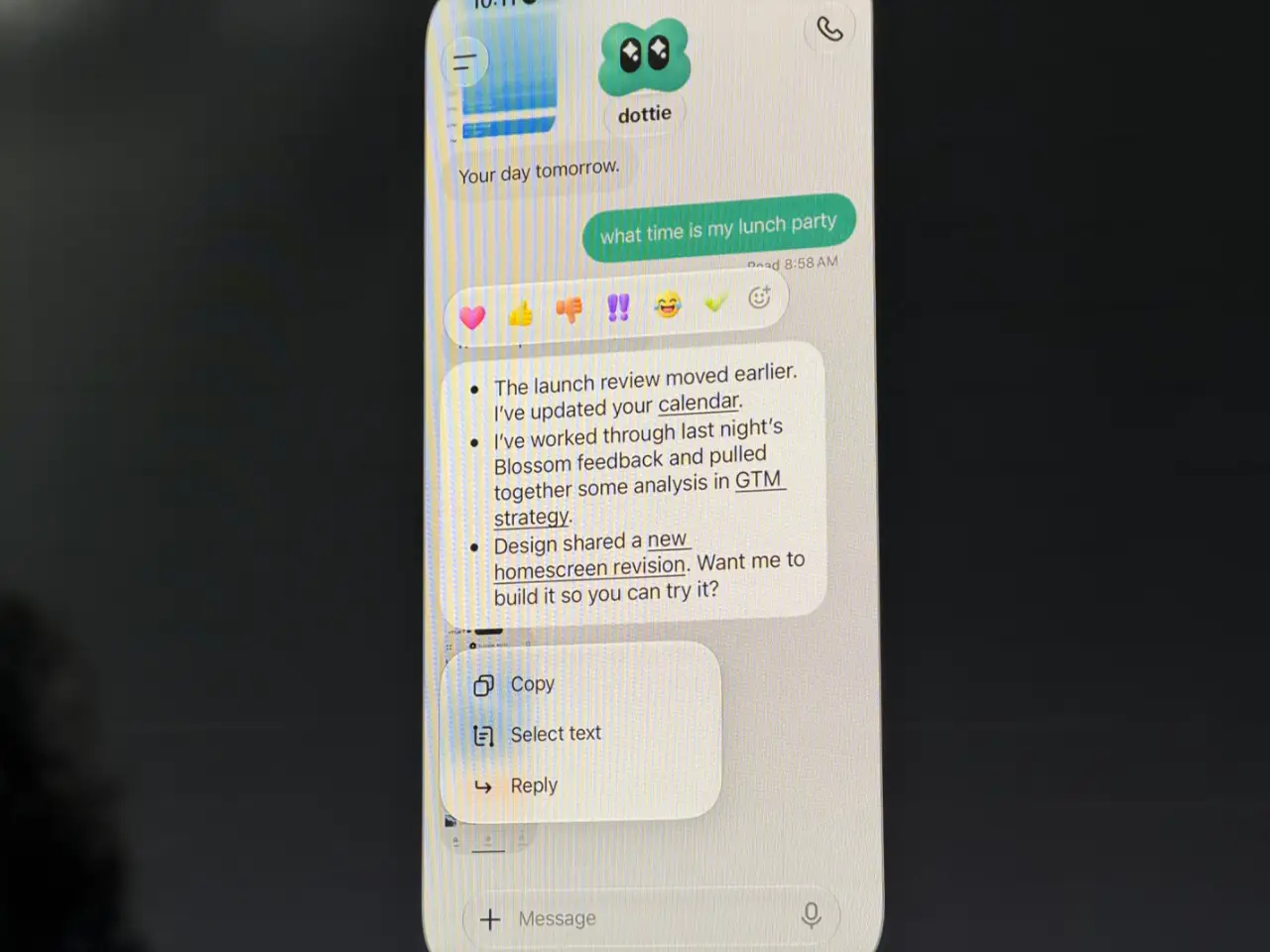
10:13 Live demo! "Dottie is having a slow morning" - we got a "still checking" and an embarrassing silent moment.
10:14 Now we're in ChatGPT Space. It has a Notion-style slash menu.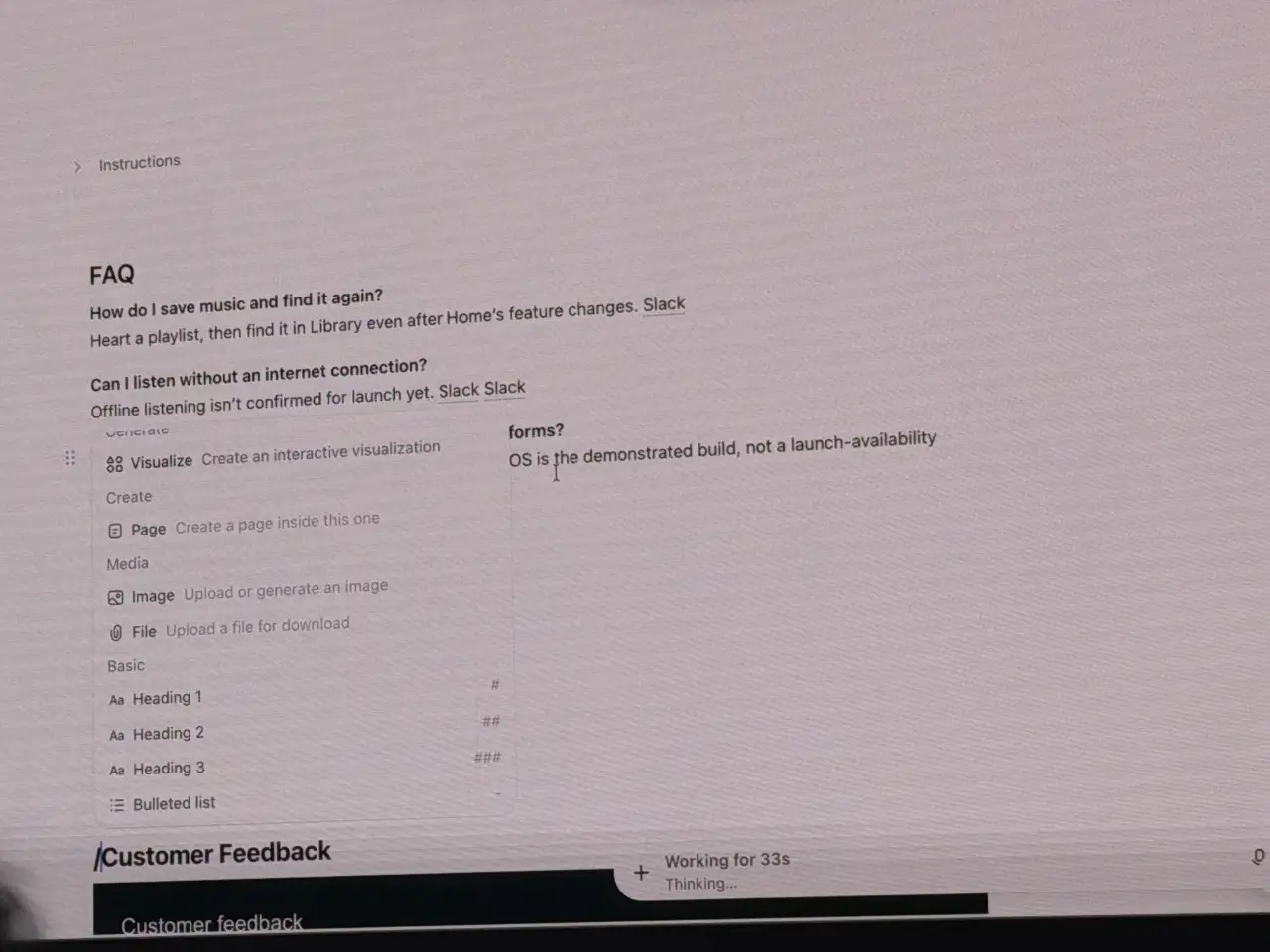
10:16 People at OpenAI started delegating to their Dots directly in Slack, which have their own identities in OpenAI Slack. I guess this is OpenAI's answer to Claude Tag.
10:17 "Dottie can use Codex on my laptop to build the app and launch it in the iPhone Simulator."
10:18 ChatGPT Pro and Enterprise customers get access to Dots today.
10:19 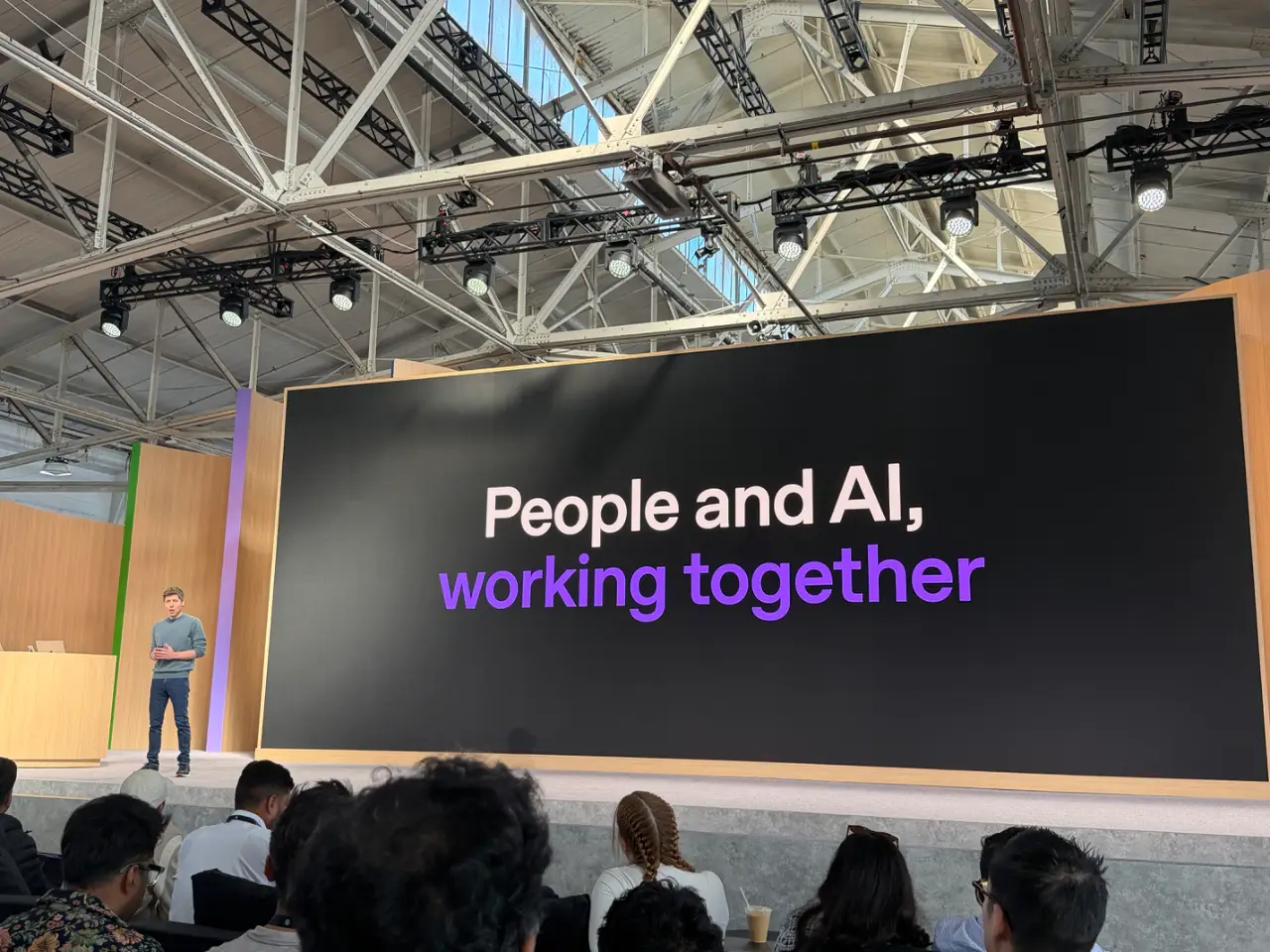
10:19 They're also building "specialist dots" for legal, finance, etc. They'll collaborate with enterprises on this, and are also doing a thing with Microsoft 365 around these.
10:20 "The second big part of today" is about platforms. Says says: Great models. Tools - access to the same tools used within OpenAI. And distribution.
10:21 People have been asking for GPT-6 Astra but cheaper and faster. Today they're launching GPT-6.1 Sol.
10:21 "Near-Astra level intelligence at a fifth of the price".
10:22 6.1 Sol is launching by today.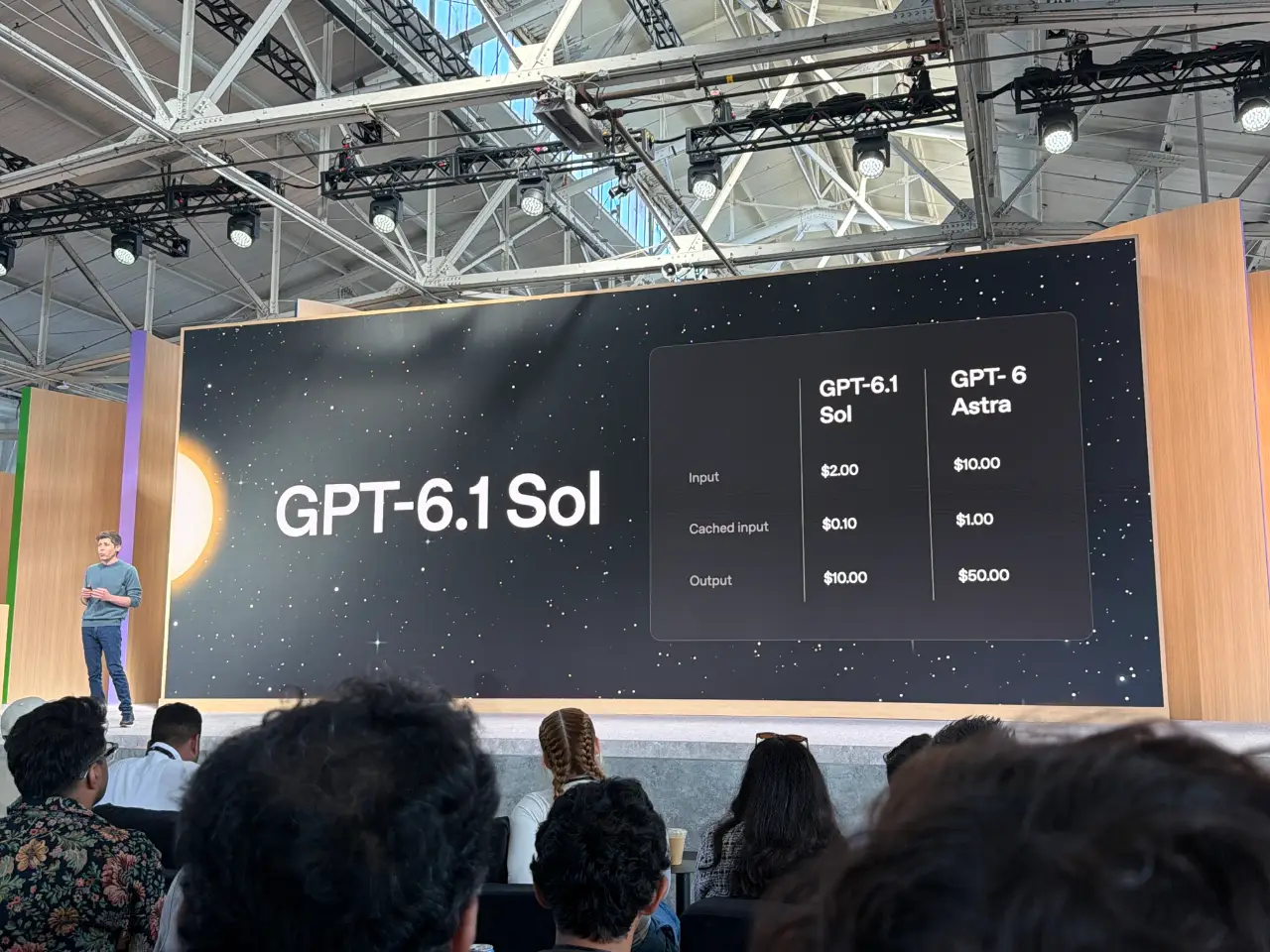
10:22 Also today: Ultrafast. 8x faster - up to 300 tokens/second. Available in the API, ChatGPT, and Codex. 6x the price of standard - "you know what, it's worth it" says Sam.
10:22 Ultrafast is available for Astra 6 today, and Sol 6.1 soon.
10:23 New subscription plan: Pro 500. This gives you access to Ultrafast, and 25x the usage of Plus. They're also putting their $200/month plan back on sale for new subscribers today.
10:24 Also today: previewing a new Decisions API. Lets the model respond "in a fraction of a second". It works by giving the Luna model "a predefined set of options to choose from". Sounds like their response to Jev, which came out of stealth less than two weeks ago!
10:25 Sam is now talking about Research acceleration: The view inside OpenAI. He brings up Tejal Patwardhan to talk about how they're using their own models to accelerate their research.
10:26 Tejal is talking about Astra's abilities at Computer Use. "Our models helped optimize the harness we use for Computer Use". They accelerated the harness, getting "a 2x latency win that we've shipped to all of you".
10:27 "Our models are much less likely to make a mistake while navigating the desktop and the browser" - which "should really matter for all your Dots".
10:28 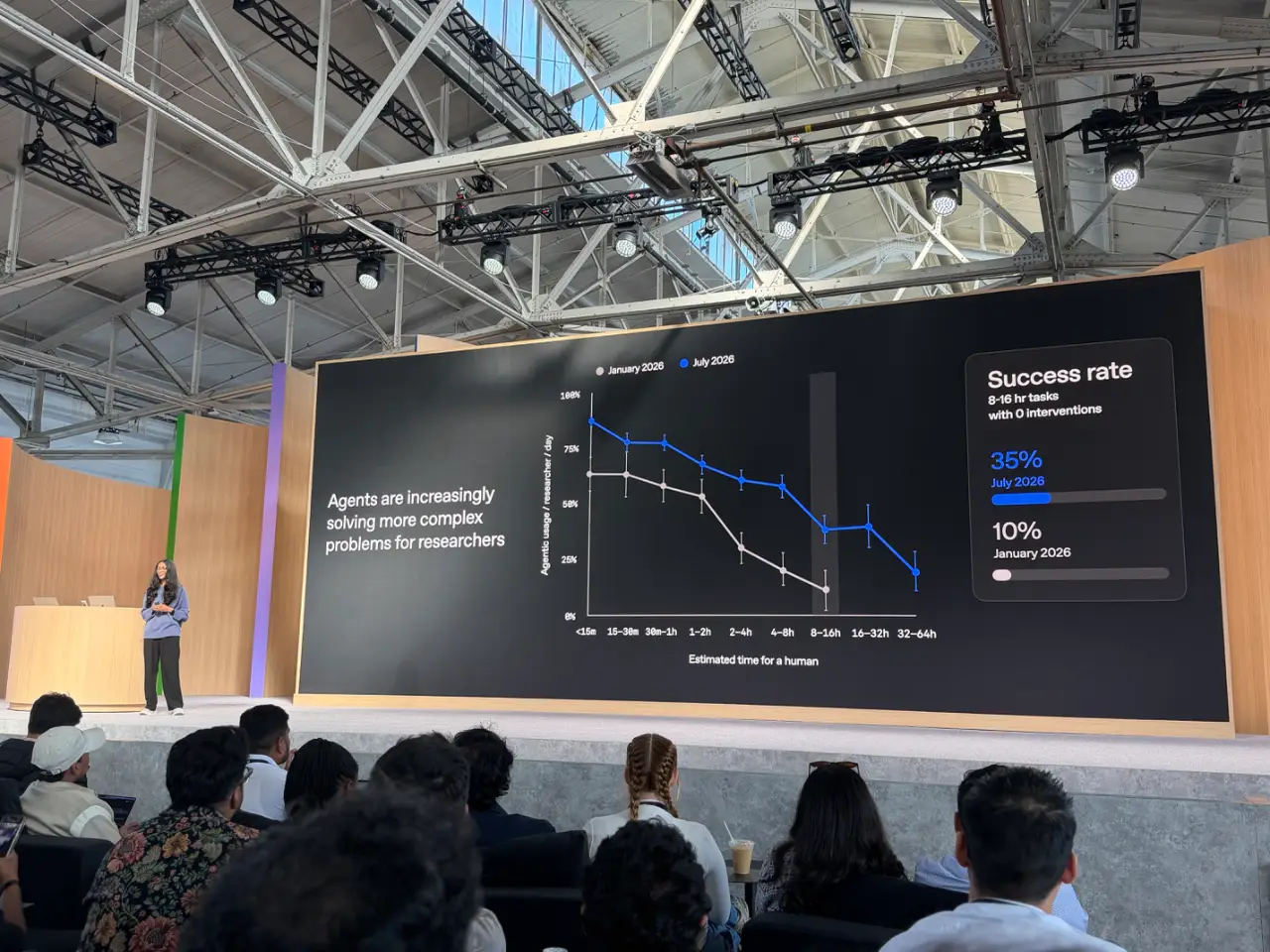
10:29 Sam is back. Now talking about "supporting developers" - giving developers access to the same foundations they have at OpenAI. This starts with the open source Codex harness. Codex is also now "fully in the cloud". I had a bad experience with Codex in the cloud just two hours ago, so hopefully this new launch will make that a whole lot better.
10:30 Today launching "Codex Security Cloud", with "Daybreak Blue access" - scheduled scans, automatic de-duplication. Also launched today.
10:31 There's a (new?) Agents API, now with Computer Use.
10:31 (My eyes glazed over a bit at the AWS partnership section, but it only lasted a few seconds.)
10:32 Sam is dashing through a section about enterprise privacy features.
10:33 Sam is boasting about the "most performant and reliable API" available today. Feels like a jab at Claude, especially given they had an outage just this morning.
10:33 Romain Huet just made a fun entrance, with a live demo as he walked into the venue (with camera footage on screen.)
10:34 Looks like he's going to show off some 3D modeling with Ultrafast, in a live demo. The voice mode is not collaborating! He's going to have to type instead.
10:35 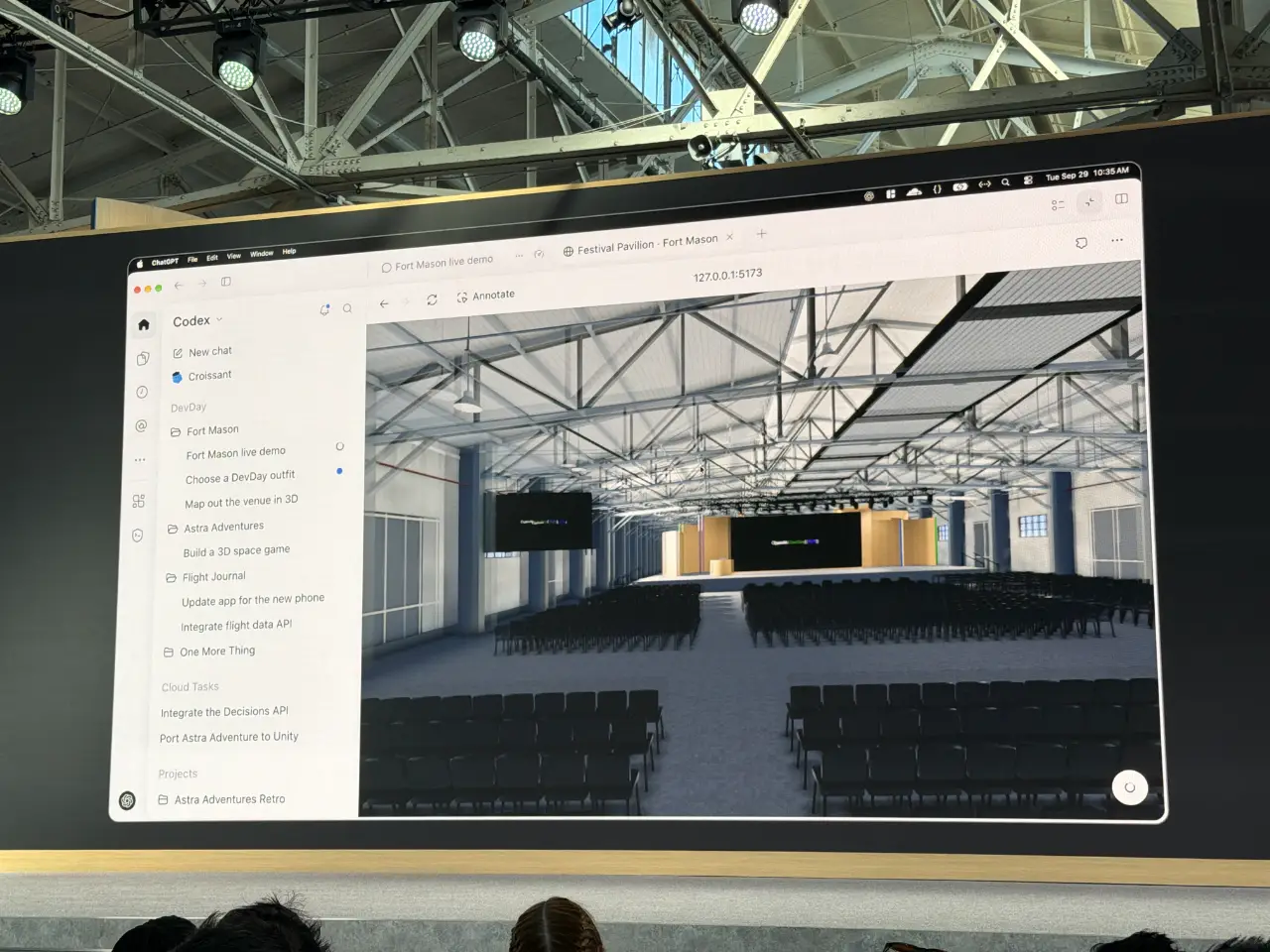
10:36 This is a good demo. He's typing commands like "put the livestream on the big screen" and a moment later the video appears on the big screen in the 3D model of the venue.
10:38 Romain is live coding an app to distribute free tickets to random attendees, using Ultrafast.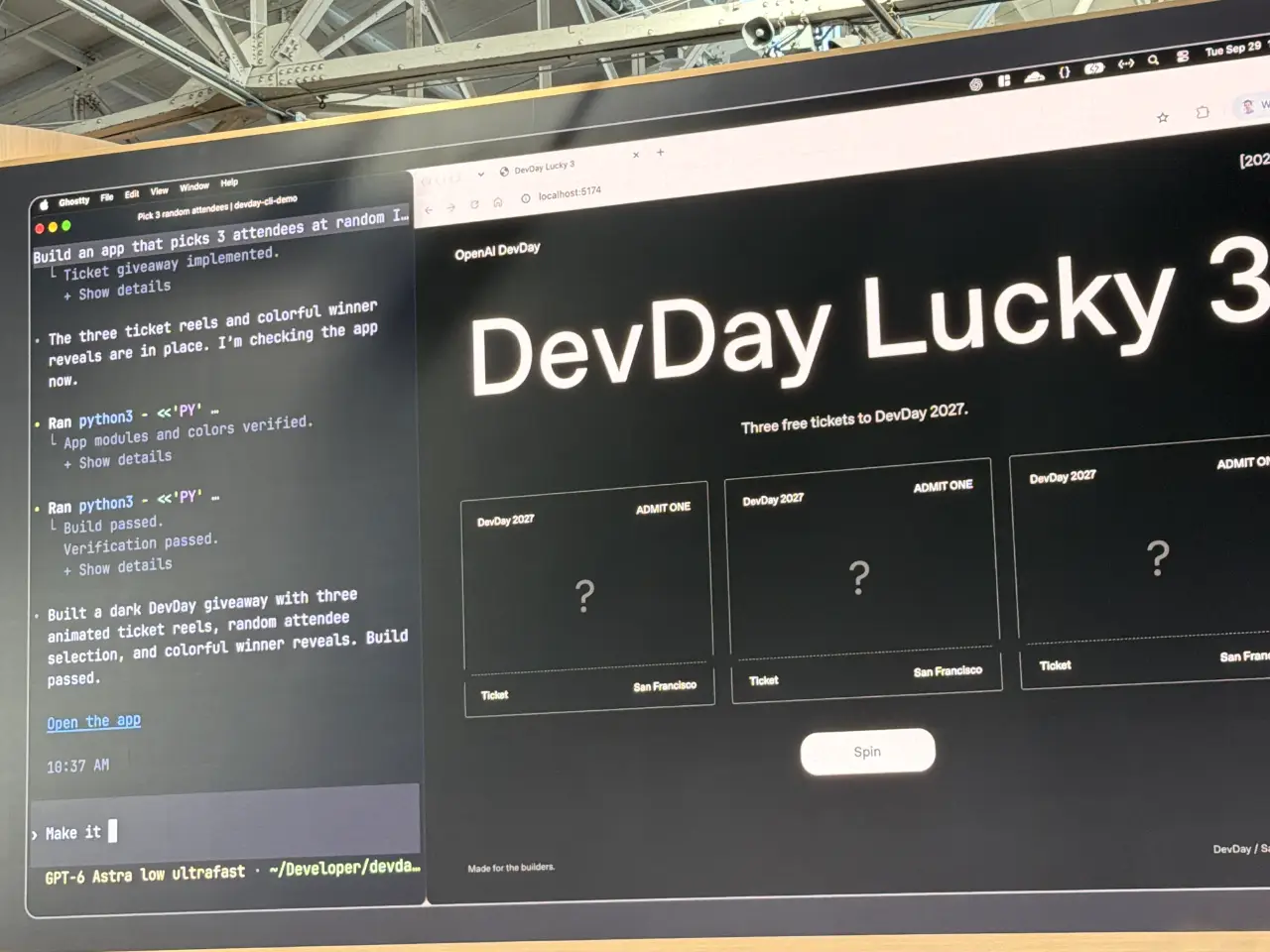
10:39 (This fits a pattern - in previous DevDays Romain has frequently run live demos that interact with the audience in interesting ways.)
10:39 Now we have an Astra Computer Use demo, where Astra figures out how to play a new (vibe coded) game.
10:40 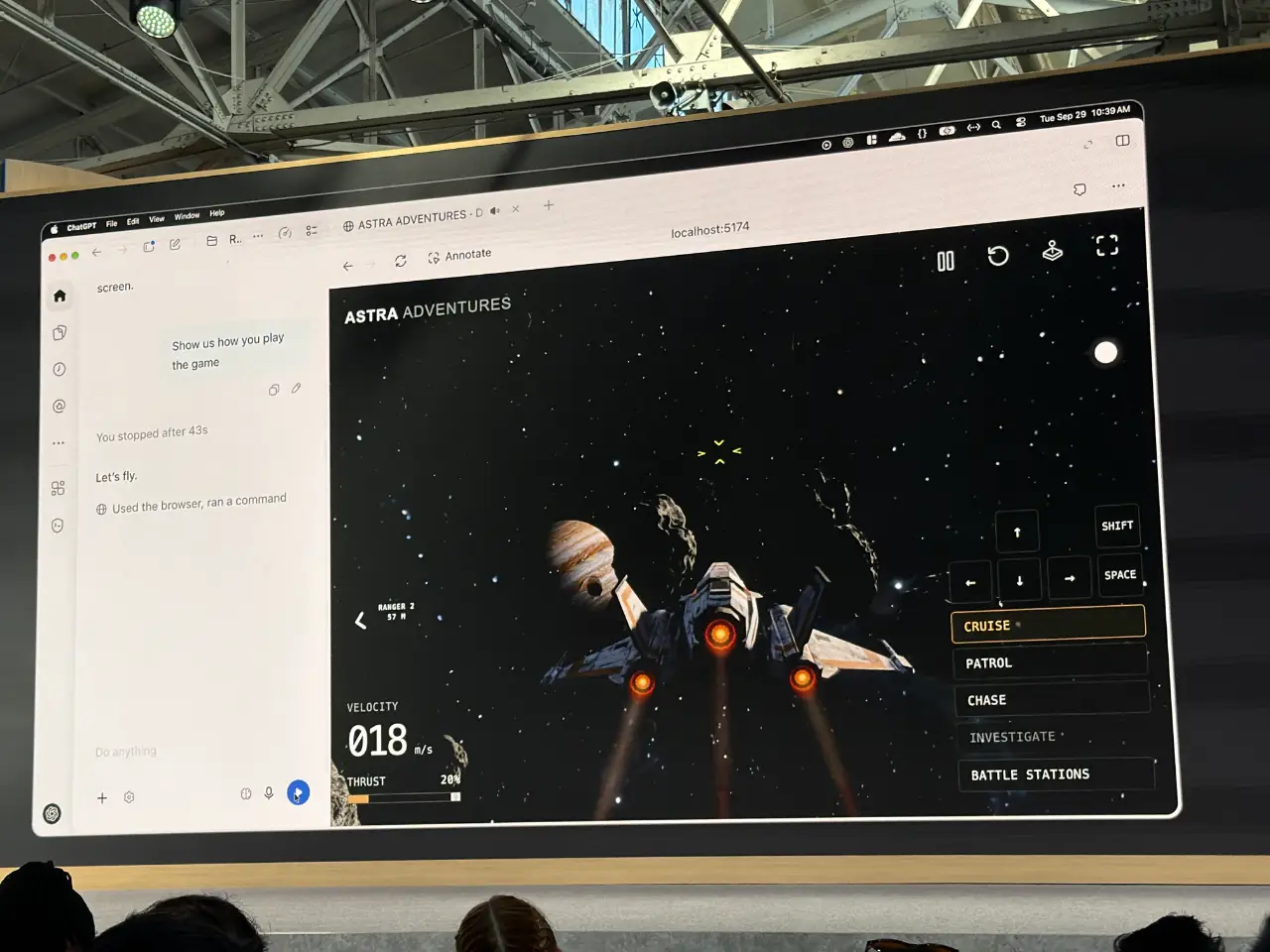
10:41 ... and a demo showing Codex Remote building an app for the iPhone Duo, showing the UI from the simulator in the Codex UI.
10:42 Now Romain is switching to Codex Cloud, with "rewrite the entire backend in Rust".
10:43 Last demo, this time using Hugging Face Microduck robot.
10:44 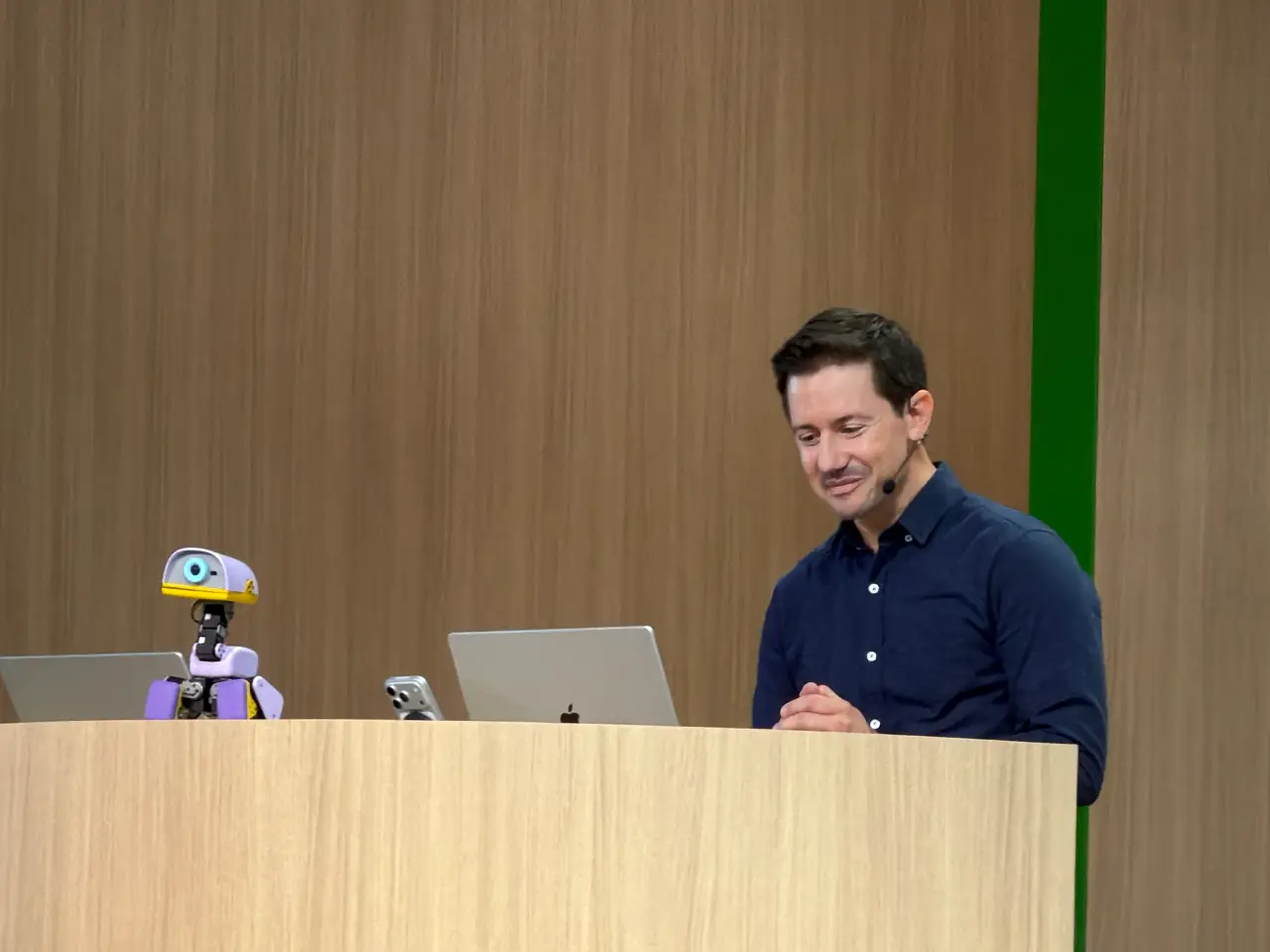
10:46 Sam is back. 1.2B people use ChatGPT every week. "We've tried this before with variable results", but they're trying this again. First up: sign in with ChatGPT, which lets people sign into your app and use the tokens they are paying for already. I've wanted this one for years!
10:46 Also: Plugin extensions - plugins that are "entire applications" that feel native to ChatGPT (and Codex).
10:47 Here's an sample ChatGPT plugin from Adobe.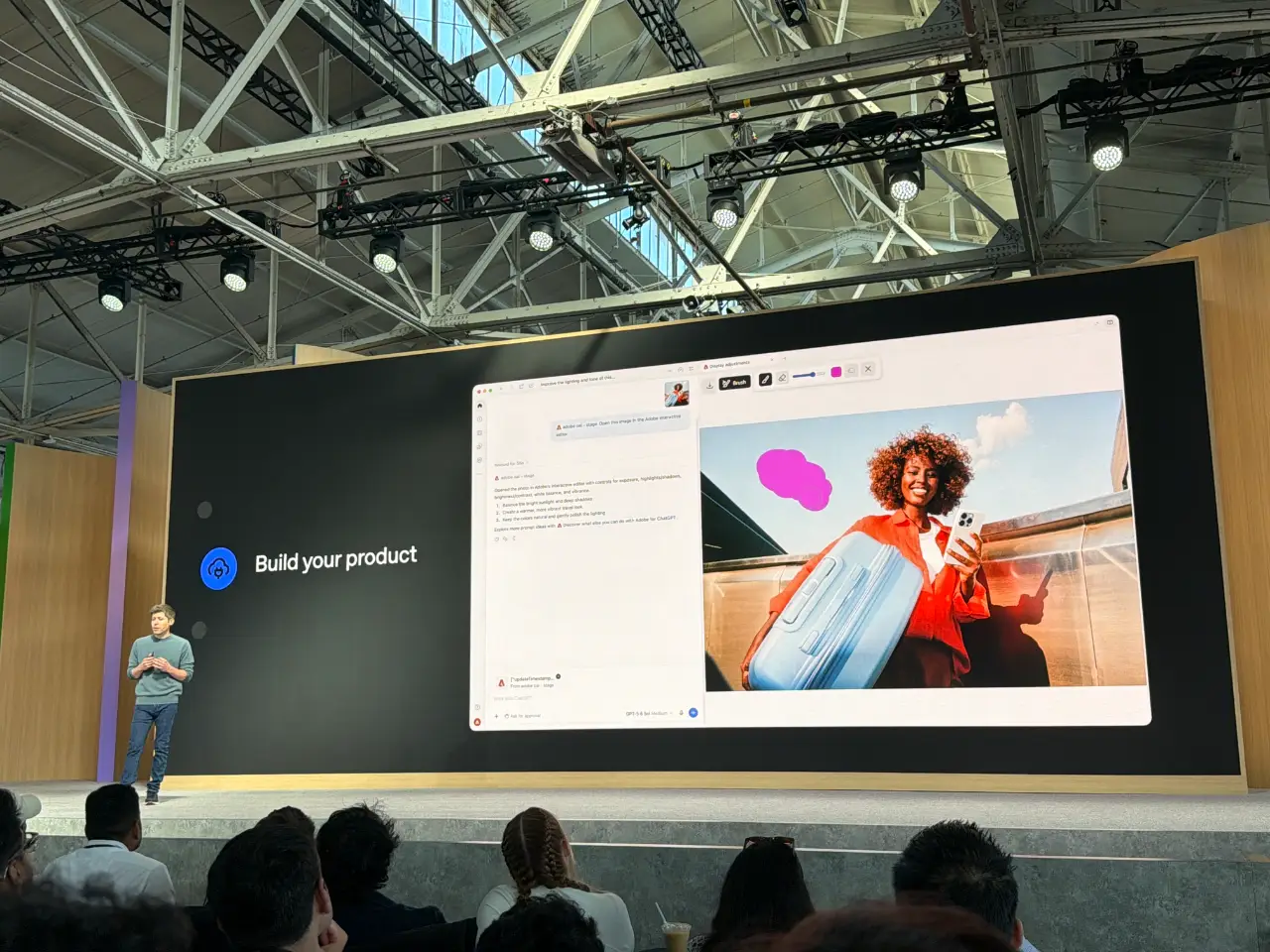
10:48 You can also build ChatGPT Sites and share them with specific other people. (I admit I thought they had that feature already.)
10:49 And they're launching the OpenAI Marketplace today, with these partners.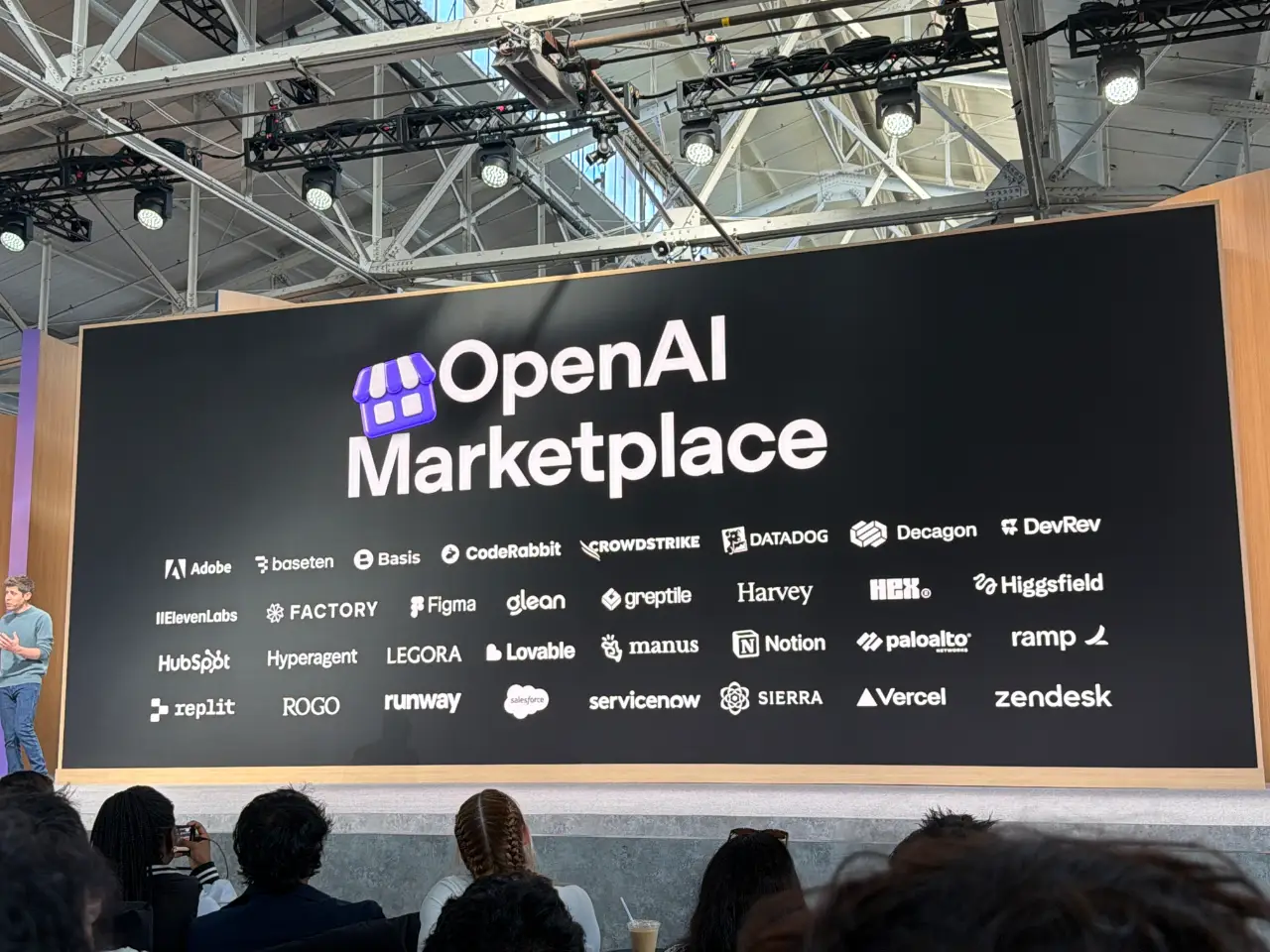
10:49 Finishing with a feel-good bit profiling some people who are building on OpenAI's platform. There's a video.
10:51
Keynote over.
On the OpenAI blog: GPT-6.1 Sol, Introducing dots (I guess they're going with lowercase "dots" for that product name), and a DevDay 2026 Recap post.10:52 And they're giving every attendee one of these. And a banked reset too.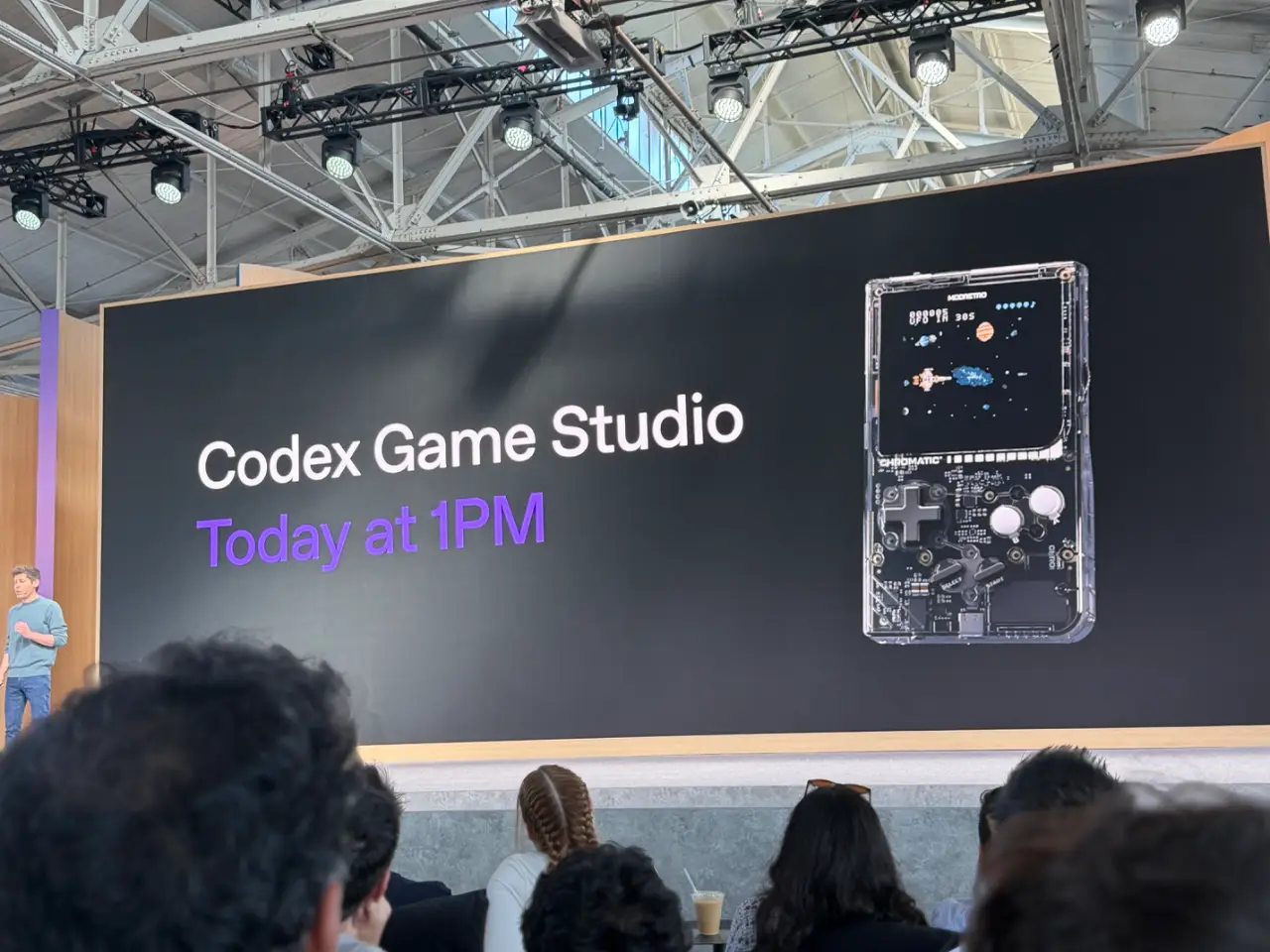
10:53 They pressed the button live in the room. The reset affects everyone in the world, not just the DevDay attendees.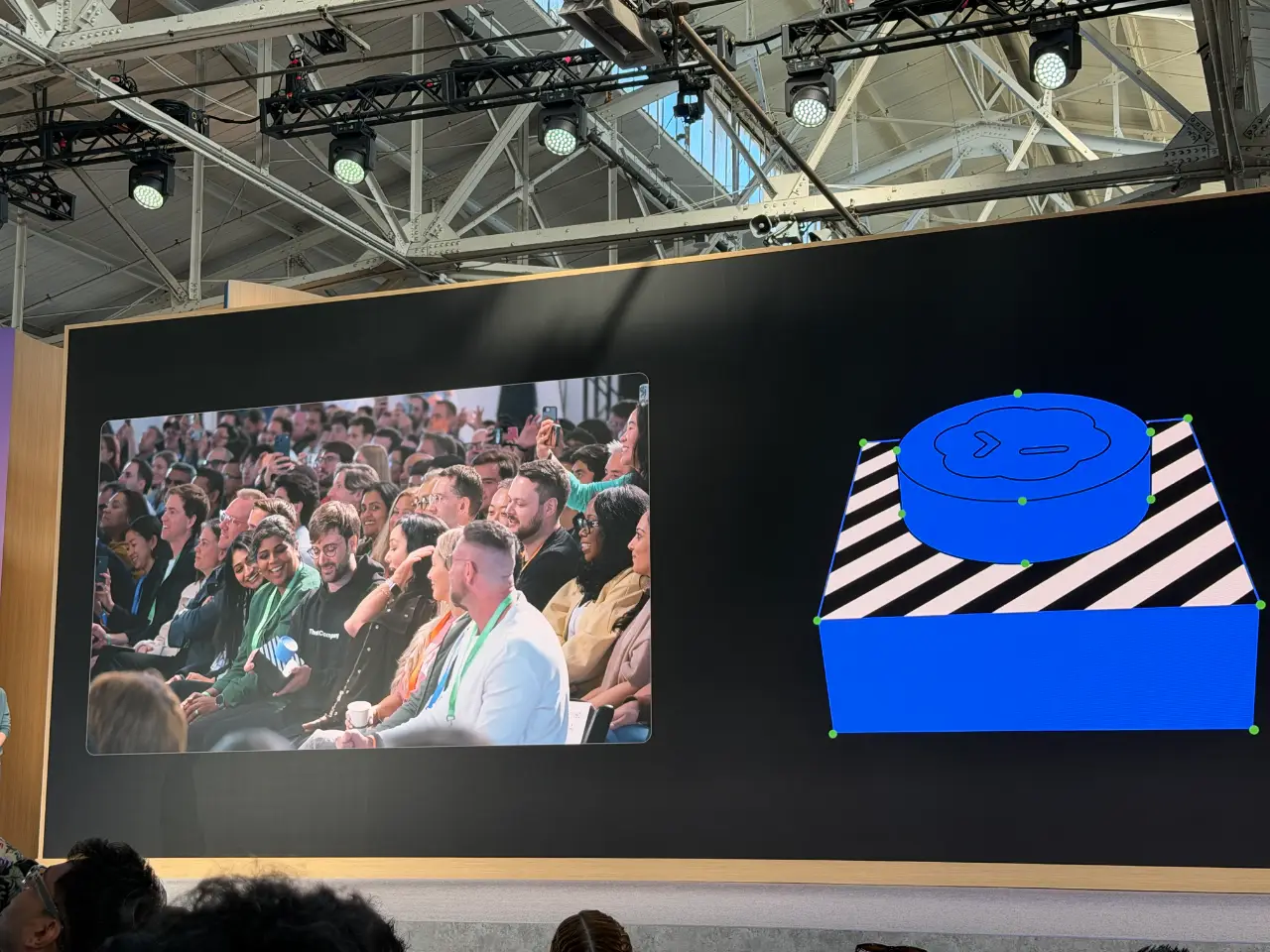
11:32 Well this is disappointing. I tried the create your dot link from their dots announcement and it told me to switch to a desktop!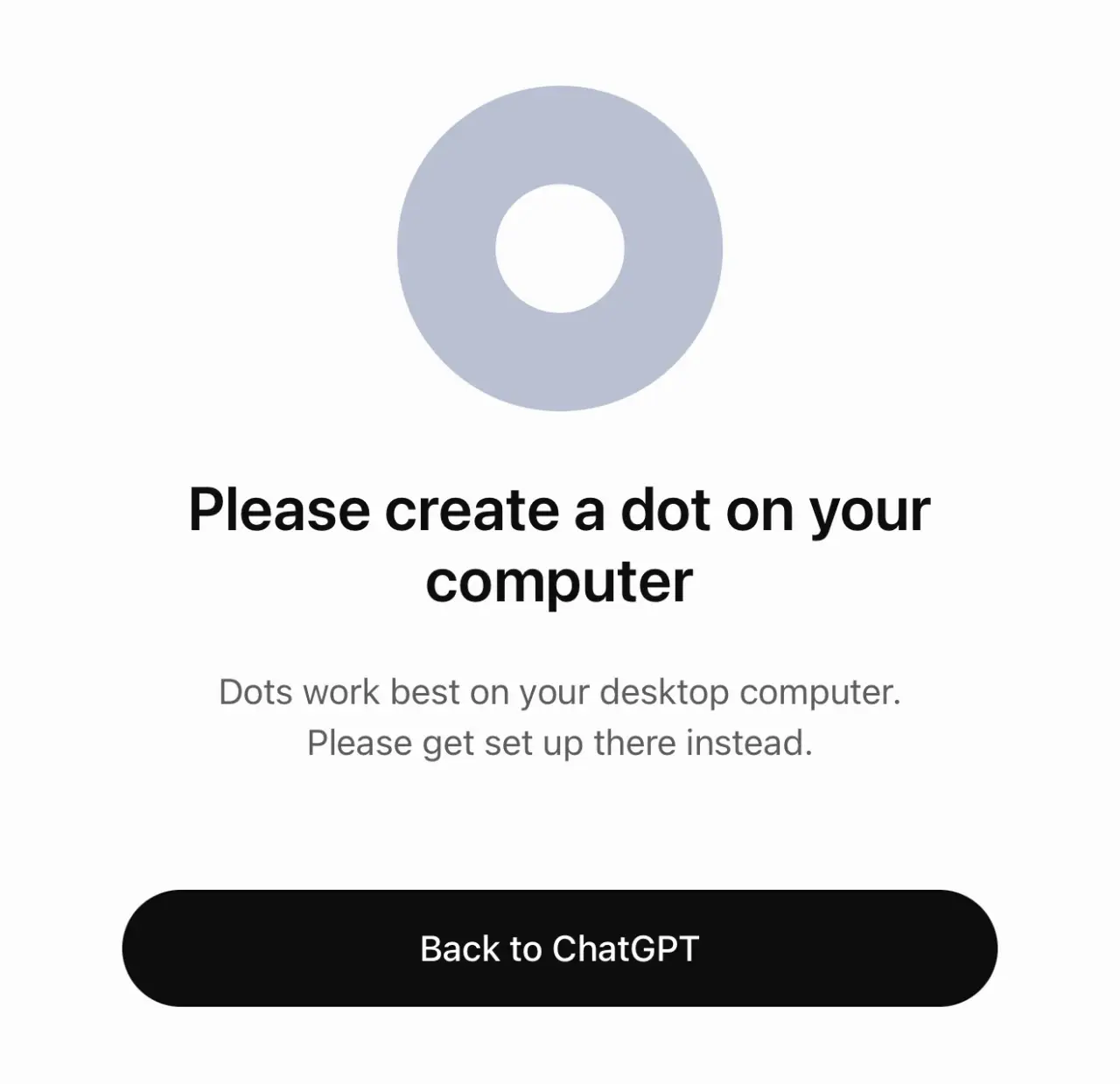
12:47 I'm now in the ChatGPT Sites session. Jon Abrams initially prototyped this tool because he was frustrated at how hard it was to ship internal tools (I’ve felt that pain at many previous employers). It launched earlier this year and is already hosting 8m sites, and 70% of OpenAI employees are making their own sites.
12:47 Katia Gil Guzman demonstrates a spreadsheet of DevDay launches, and shows how to turn that into a Site. "Can you turn this sheet into a Launch Radar app in a new folder and publish it as a Site?"
12:48 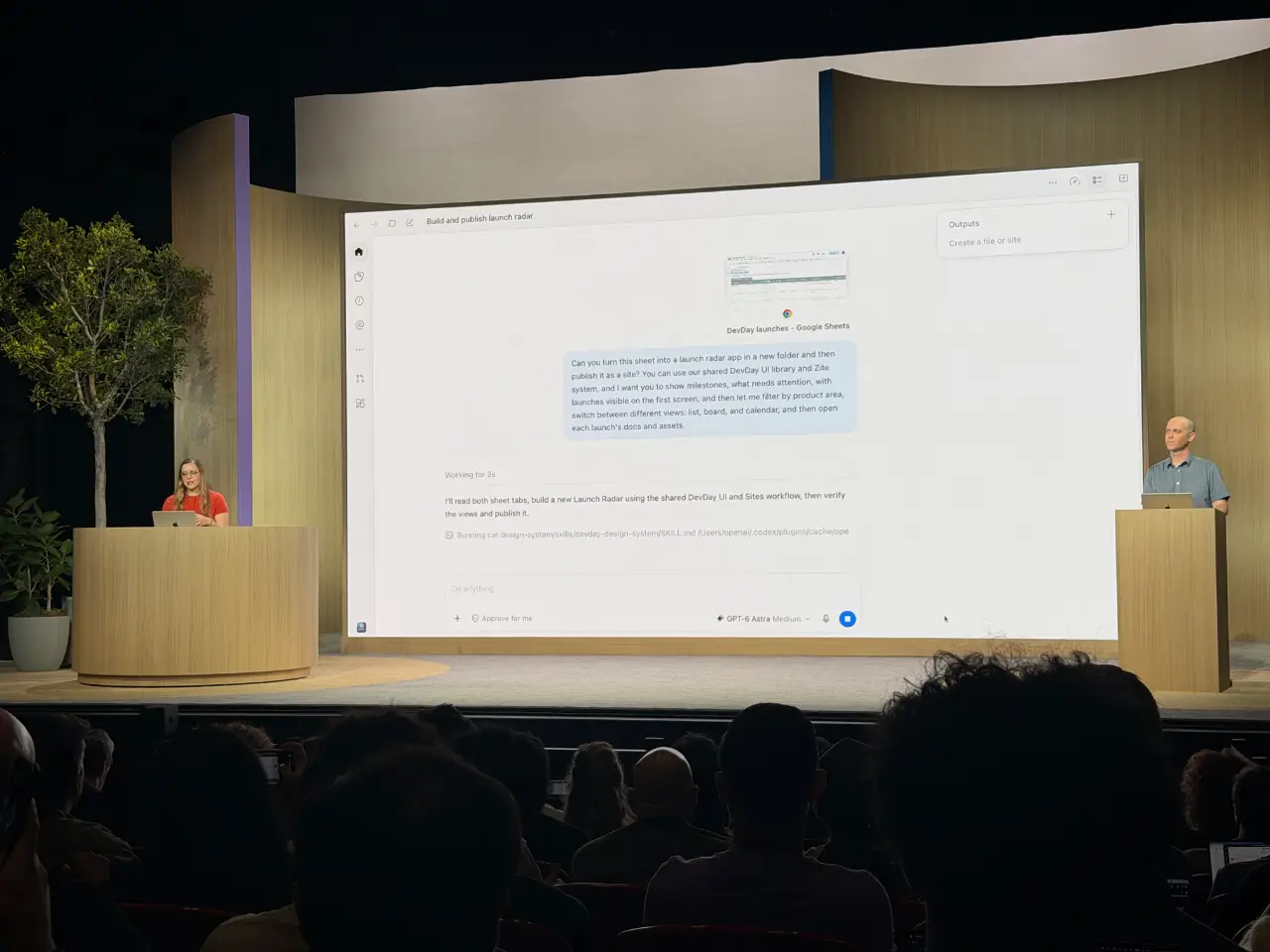
12:49 You can also tell Codex to keep an eye on e.g. a shared sheet and continually update the site with new details.
12:50 Sites get a SQLite database! They're launching scheduled tasks for Sites today.
这个比较实用,已转发给同事。